
Put Your Organization Logo on the Top of all of Your Reports
1. Click Settings > Global Settings > Assign New Logo.
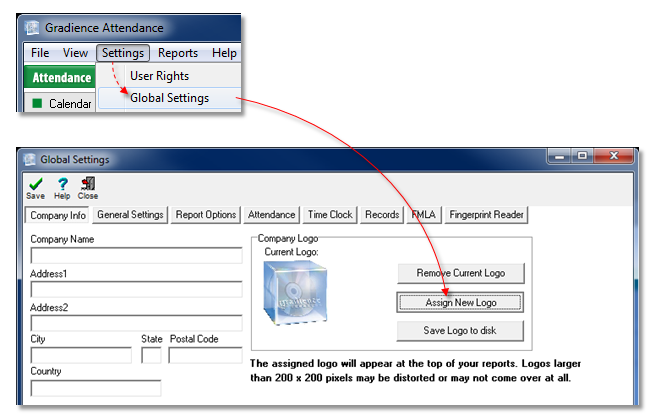
2. Navigate to wherever you store an image of your organization's logo.
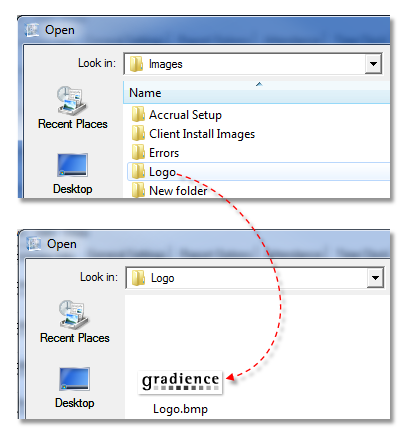
3. Double-click the logo or single-click on it and then select Open.
4. When the logo appears in Gradience, click Save Logo to disk.
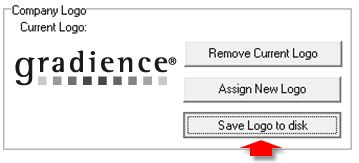
5. Click Save > OK > Close.
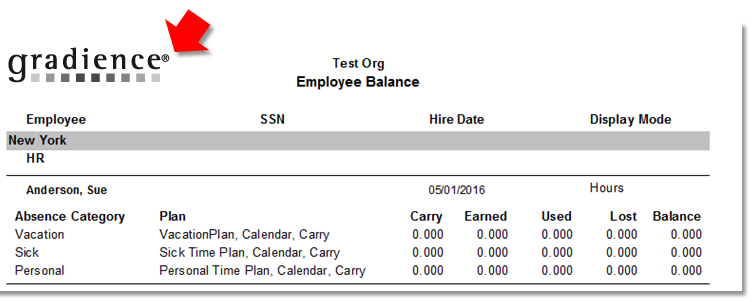
Now whenever you open a report your logo will appear at the top as shown below.
Comments
Article is closed for comments.